


AI agents become genuinely useful when they can move beyond conversation and work with the systems where business actually happens: content management systems, analytics platforms, source-code repositories, servers, CRMs, databases and internal workflows. The difficult part is not giving a model “access.” It is choosing the right connection method, defining exactly what the agent may do, and ensuring that every consequential action remains observable and reversible.
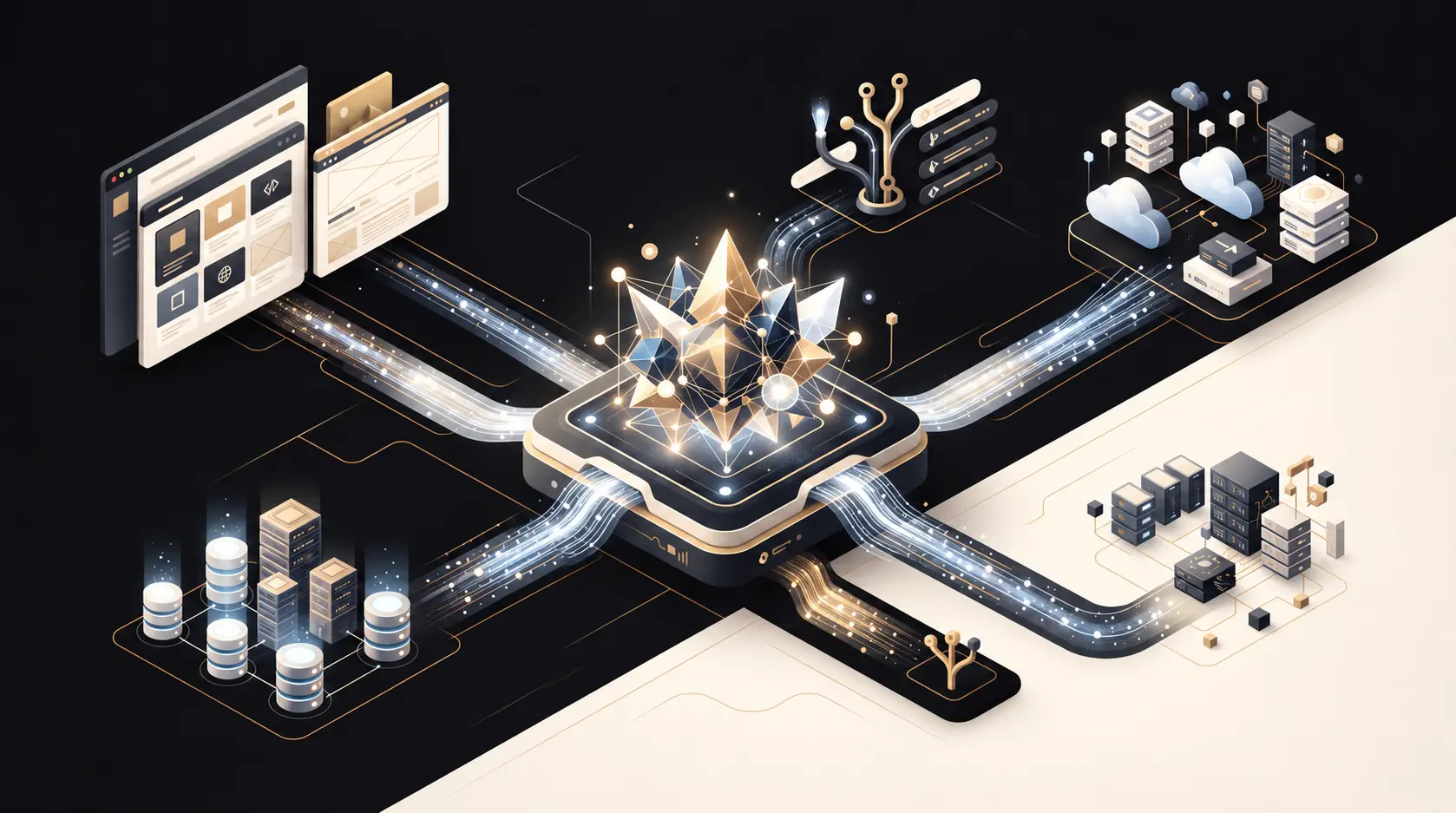
This guide explains the main technologies used to connect AI agents to tools, compares MCP, APIs and SSH, and provides a practical security framework for organizations that want automation without turning an AI system into an uncontrolled administrator.
What is an AI agent?
A language model produces responses. An AI agent combines a model with goals, context, memory and tools. The agent can decide which tool to use, prepare parameters, inspect the result and continue until it completes a task. A useful simplified model is:
- Model: interprets the request and reasons about the next step.
- Orchestrator: manages the workflow, permissions, retries and approvals.
- Tools: perform real operations such as reading a report, editing a post or deploying code.
- Identity and policy: determine what the agent is allowed to access and change.
- Audit trail: records what was requested, called, changed and approved.
The model should never be the security boundary. A prompt saying “do not delete production data” is not an access-control system. Restrictions must be enforced by the tool, API gateway, operating system or application itself.
The main ways agents connect to tools
1. Direct API integration
An API is the most established way for one software system to communicate with another. REST APIs typically expose URLs and HTTP methods such as GET, POST, PUT and DELETE. GraphQL lets a client request specific fields through a typed schema. Vendor SDKs wrap these APIs in a programming language.
Direct APIs are usually the best choice when the target product has a stable, well-documented interface and the integration is purpose-built. They offer predictable authentication, clear data structures, rate limits and mature monitoring. Their main cost is integration work: every service has different endpoints, schemas and authentication rules.
2. Model Context Protocol (MCP)
MCP is an open standard for connecting AI applications to external systems. It gives AI hosts a consistent way to discover and use tools, read resources and access reusable prompts. Instead of writing a different agent-side adapter for every service, an MCP server describes its capabilities in a form the AI client can understand.
An MCP environment normally includes:
- Host: the AI application in which the user works.
- Client: the protocol component that maintains a connection to one MCP server.
- Server: the component that exposes approved tools, resources and prompts.
- Underlying system: the API, database, filesystem or application that performs the real work.
For local integrations, MCP commonly uses standard input/output. For remote integrations, current implementations use Streamable HTTP. MCP does not replace the underlying API; in many cases, the MCP server is a controlled adapter placed in front of one or more APIs.
3. Function calling and native tool use
Many AI platforms support function calling. A developer defines a function name and JSON schema, the model proposes a call, and application code executes it. This is excellent inside one product or one controlled workflow. MCP standardizes a broader discovery and connection layer, while function calling is often the execution mechanism inside the host.
4. SSH and command-line access
SSH provides an encrypted channel to a remote machine. Through it, an agent may execute command-line tools, inspect logs, manage services or deploy files. SSH is powerful because it operates close to the infrastructure, but that power increases risk. A broad shell account can bypass application-level validation, workflows and audit controls.
Use SSH when the task genuinely belongs at the server layer: checking a service, reviewing logs, running a controlled deployment script or managing files unavailable through an application API. Do not use SSH merely because it is convenient when a safer application API exists.
5. Webhooks, queues and event streams
APIs are often request-driven: the agent asks for information. Webhooks reverse the direction: a service notifies your system when an event occurs. Message queues and event streams make these workflows more reliable by buffering events and supporting retries. They are ideal for “when X happens, evaluate and do Y” automations, such as reviewing a new lead or checking a newly published page.
6. Browser automation and RPA
Browser automation controls the user interface as a person would. It is valuable when no API exists, during one-time migrations, or when a workflow requires a visual check. It is also fragile: labels, layouts and authentication screens change. Browser automation should be treated as a fallback, not the default integration layer.
7. Direct database access
Direct database access is fast and flexible but dangerous. It may bypass validation, hooks, permissions, cache invalidation and business rules. Read-only analytical access can be appropriate with a replica or restricted view. Writes should normally go through the application API. If a database write is unavoidable, use transactions, backups, a narrow account and an explicit approval step.
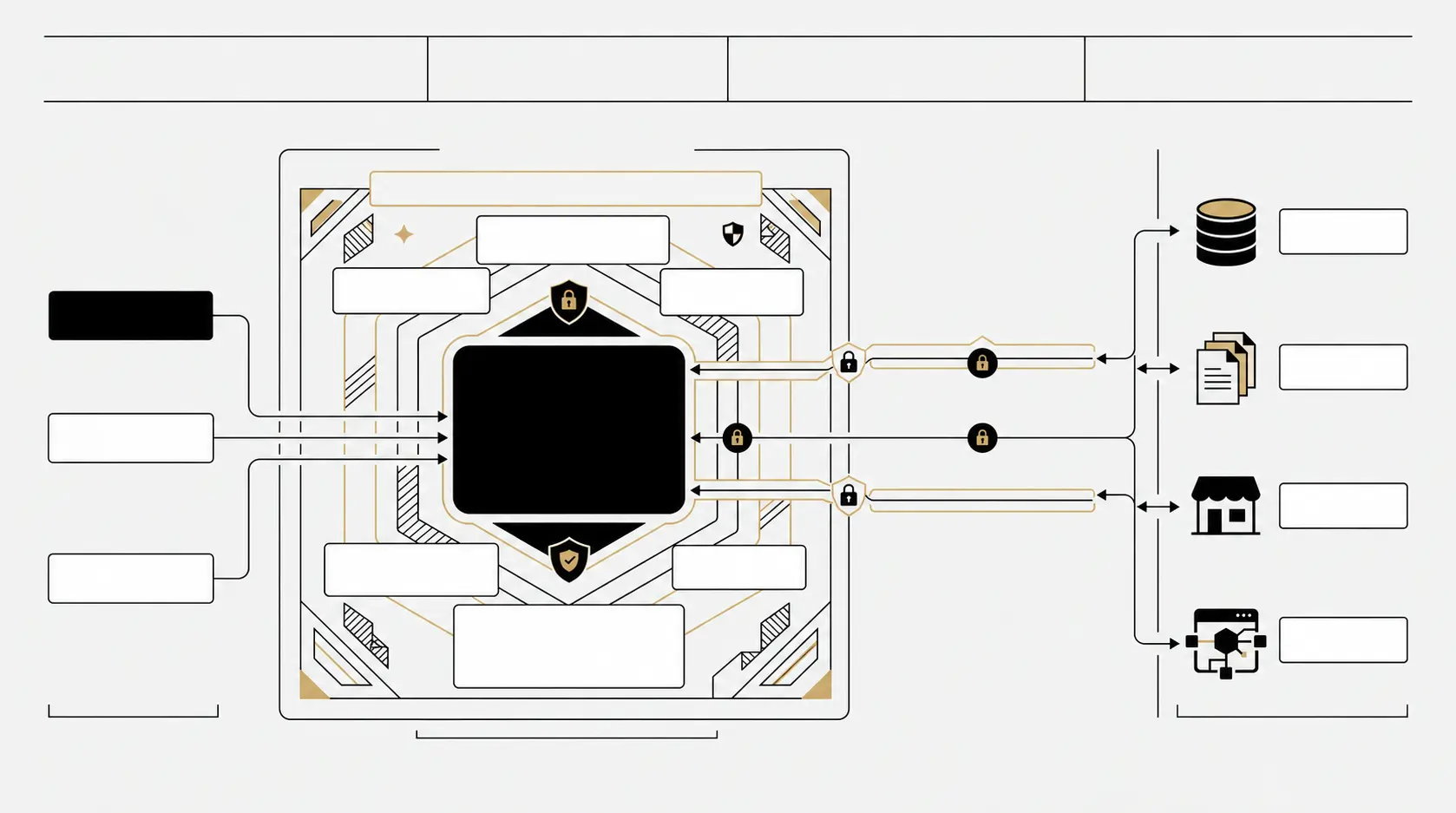
MCP vs API vs SSH: the practical difference
| Method | Best for | Strength | Main risk |
|---|---|---|---|
| MCP | Reusable AI-to-tool connectivity | Discovery, shared schemas and consistent agent experience | Tool poisoning, excessive scope and cross-tool data leakage |
| Direct API | Stable product integrations | Predictable, testable and application-aware | Over-scoped tokens and vendor-specific implementation |
| SSH/CLI | Infrastructure and server operations | Deep control and broad compatibility | Large blast radius and command injection |
| Webhook/Queue | Event-driven automation | Reliable asynchronous workflows | Replay, spoofed events and duplicate processing |
| Browser/RPA | Systems without usable APIs | Works through existing interfaces | Fragility and accidental clicks |
| Database | Restricted analytics or exceptional maintenance | Direct and efficient | Bypassing business logic and irreversible corruption |
The best architecture often combines methods. An agent may use MCP to discover a content-management tool; that MCP server may call the WordPress REST API; a webhook may trigger a review; and SSH may be reserved for a human-approved deployment or server repair.
How to choose the right connection
Start with the least powerful interface that can complete the task:
- Use a first-party, scoped API when one exists.
- Use MCP when multiple AI clients need a standardized, discoverable interface.
- Use webhooks or queues for event-driven processes.
- Use browser automation only when the interface has no suitable API.
- Use SSH for infrastructure-level work, with a restricted account and an allowlist of commands.
- Avoid direct database writes unless no supported application path exists.
Then evaluate six questions: Is the action read-only or writable? Is it reversible? Does it affect production? Does it expose personal or confidential data? Can its parameters be validated? Who approves the highest-risk step?
The security model: assume every layer can be manipulated
Prompt injection is not only a chat problem
An agent may read webpages, emails, documents, support tickets and tool results. Any of these can contain instructions designed to redirect the agent. Indirect prompt injection becomes more serious when the same agent can read untrusted content and operate privileged tools.
Separate untrusted retrieval from privileged execution. Treat tool output as data, validate structured fields, and enforce authorization outside the model. A document should never be able to grant itself permission to send an email, read a secret or execute a shell command.
Use least privilege
Create a dedicated identity for each agent or integration. A WordPress writing agent may need to edit posts but should not install plugins or change administrators. An SEO agent may need Search Console data but not billing access. A deployment agent may restart one service but should not receive unrestricted root access.
Prefer:
- read-only access by default;
- separate read and write credentials;
- short-lived OAuth tokens where possible;
- resource-level scope, such as one site or repository;
- separate production and staging identities;
- automatic expiration and rotation.
Secrets must never enter the model context
API keys, application passwords and SSH private keys should be stored in a secrets manager, operating-system keychain or protected environment configuration. They should not be pasted into chat, committed to Git, placed in prompts or written to logs. The tool layer should inject the credential only when it sends the authenticated request.
Human approval for consequential actions
Not every tool call needs approval. Reading analytics or listing drafts can normally run automatically. Publishing public content, deleting data, merging to the main branch, changing DNS, making payments or modifying user permissions should require a clear confirmation tied to the exact action and parameters.
A useful policy has three levels:
- Automatic: reversible, low-risk and read-only operations.
- Review before execution: public, writable or production-facing changes.
- Prohibited for the agent: unrestricted root access, secret export, disabling audit logs or bypassing approval controls.
Validate inputs and constrain tools
A tool named “run command” with an unrestricted string parameter is a security problem. Prefer narrow tools such as “restart the Dokmeh production service” or “create a WordPress draft.” Use strict schemas, allowlists, path restrictions, maximum lengths and server-side authorization. Never concatenate model output directly into SQL or shell commands.
Make retries safe
Agents and networks retry operations. Write endpoints should support idempotency keys or check current state before changing it. Otherwise a retry may publish the same article twice, send duplicate emails or repeat a financial action. Webhook handlers should verify signatures and reject replayed events.
Log actions without logging secrets
Record the user, agent, tool, timestamp, target, parameters, approval and result. Redact credentials and sensitive content. Audit logs should be immutable enough to support incident investigation. Alerts should detect unusual behavior such as a new tool, unexpected admin access, a large export or repeated failed calls.
Local MCP vs remote MCP
A local MCP server can be convenient for development and personal workflows. Standard input/output avoids opening a network port, but it does not automatically sandbox the process. A malicious local server may still read files or use the network if the operating system allows it.
A remote MCP server is easier to manage centrally but requires transport security, authentication, tenant isolation and rate limiting. Use TLS, validate token audience, verify the server identity and never forward an MCP access token to an unrelated upstream service. Sensitive servers should be isolated from general-purpose browsing or retrieval tools.
SSH security for AI agents
If an agent must use SSH, avoid sharing a human administrator account. Create a dedicated operating-system user, disable password login, use a separate key, restrict the source network and limit permitted commands through sudoers or a forced-command wrapper. Keep production access separate from staging.
For deployments, the safest pattern is usually not “let the agent run any shell command.” It is “let the agent trigger one reviewed deployment script that performs validation, backup, health checks and rollback.”
A safe reference workflow
- The agent reads approved sources with read-only tools.
- It prepares a plan and identifies the exact target.
- The tool validates parameters and permissions.
- A human confirms any public, destructive or production action.
- The system executes through the narrowest supported interface.
- The agent verifies the outcome using an independent read.
- The platform stores an audit record and provides rollback where possible.
Example: an AI agent for WordPress and SEO
A secure content agent can read Search Console data, identify an opportunity, prepare a draft and update Yoast metadata through the WordPress REST API. It should not automatically publish every recommendation. The draft can be reviewed, language relationships in WPML can be validated, and production publication can require approval.
Small, reversible metadata fixes may be automated if there is a change threshold and an audit trail. Theme changes should go through Git, staging, tests and a pull request. Server-level fixes should use a restricted deployment command rather than general root access.
Common mistakes
- Giving one agent administrator access to every service.
- Pasting credentials into chat or source code.
- Mixing untrusted web browsing with privileged execution in one unrestricted context.
- Assuming MCP itself makes an integration secure.
- Using SSH when a scoped API exists.
- Allowing direct database writes for routine content changes.
- Auto-approving deletion, publishing, payments or permission changes.
- Deploying from an agent without staging, tests or rollback.
- Ignoring duplicate requests, rate limits and timeouts.
- Failing to re-review a connector after its tools or permissions change.
Implementation checklist
- Inventory every connected tool, server and data source.
- Define a dedicated identity and minimal scope for each connection.
- Keep secrets outside prompts, logs and repositories.
- Prefer API/MCP tools with strict schemas over generic shell execution.
- Separate read-only analysis from write operations.
- Require exact approval for high-impact actions.
- Use staging for code, theme and infrastructure changes.
- Validate inputs, outputs, URLs, paths and commands.
- Add rate limits, timeouts, budgets and loop limits.
- Log every invocation and verify important results independently.
- Test backups and rollback before enabling autonomous writes.
- Review third-party MCP servers and dependencies as part of supply-chain security.
Conclusion
The right question is not “Can this AI agent connect to our systems?” It is “What is the narrowest, most observable and reversible connection that can complete the task?” APIs provide mature application-level control, MCP makes AI integrations discoverable and reusable, and SSH remains valuable for tightly controlled infrastructure work. Secure agent design comes from combining these technologies with least privilege, secret isolation, independent authorization, human approval and reliable audit trails.
At Dokmeh Agency, we approach AI-enabled digital systems as product and infrastructure design—not as a collection of shortcuts. The goal is useful automation that remains understandable, governable and safe.
Frequently asked questions
Does MCP replace APIs?
No. An MCP server often uses APIs behind the scenes. MCP standardizes how AI clients discover and call capabilities; the API still performs the underlying application operation.
Is MCP more secure than direct API access?
Not automatically. It can provide a cleaner policy layer, but security depends on authentication, scope, server implementation, output handling and approval controls.
Should an AI agent receive SSH access?
Only when the task genuinely requires server-level control. Use a dedicated user, key-based authentication, command allowlists, staging and explicit approval for production changes.
What is the safest starting point?
Begin with read-only access to one system. Add narrow write tools only after logging, validation, approvals and rollback have been tested.